
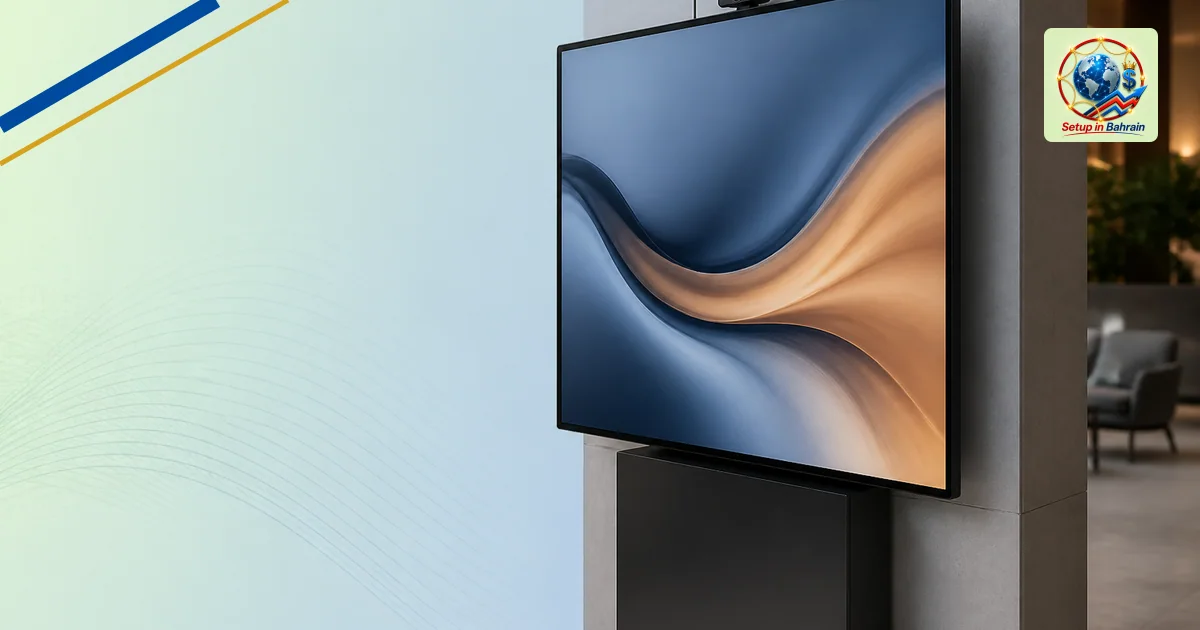
Amazon Expands Digital Signage with 55” FireOS Display
Amazon is expanding its digital signage efforts with a new 55-inch display running its FireOS software. The company aims to grow its presence in the entry-level signage market by pairing proprietary hardware and software with a network of CMS partners. This explainer outlines what happened, who might be affected, and practical steps for interested businesses.
What’s new: a 55-inch FireOS signage display
Amazon has unveiled a 55-inch LCD display designed for digital signage. It runs Amazon’s FireOS, a version of the Android-based Fire operating system used on other Amazon devices. The device is part of Amazon’s push into the digital signage market, following the earlierSignage Stickhardware. The company emphasizes integration with its hardware, operating system, security framework, and device management tools, while continuing to rely on a network of CMS partners to handle content management and applications. The display is positioned to serve budget-friendly entry points in the signage space.
Key facts and how they fit
- Hardware and software: A 55-inch screen powered by FireOS, with Amazon’s tooling for device management.
- Content management: No built-in CMS; relies on external CMS partners for content services.
- Market positioning: Aimed at the lower end of the signage market, expanding Amazon’s platform reach.
- Launch context: Ties to Amazon Business and a network of CMS partners to offer a broader ecosystem.
Who is affected
Businesses and organizations looking for affordable digital signage may consider Amazon’s new display as a turnkey option, especially if they prefer using Amazon’s ecosystem for hardware, software, and security. Partners in the CMS ecosystem could see more demand for content services tied to this display. End users installing the screens should expect to work within a network of third-party CMS providers rather than a single, built-in content manager.
Practical next steps
- Evaluate fit: If you need a low-cost 55-inch display for storefronts, lobbies, or quick-service locations, compare total cost of ownership with other signage players, including CMS fees.
- Plan content strategy: Since there’s no built-in CMS, identify a compatible CMS partner from the ecosystem to schedule and manage content.
- Consider integration needs: Review how the FireOS platform will integrate with your existing IT and security policies, including device management.
- Pilot deployment: Start with a small installation to test performance, uptime, and ease of content updates before wider rollout.
Limits and questions
Details about the security model, long-term software updates, and the availability of certain apps or services through FireOS on signage displays were not fully outlined. Organizations should seek direct information from Amazon or authorized partners about firmware update cadence, CMS compatibility, and support terms before committing to a large deployment.
Which sources did Setup in Bahrain review?
Setup in Bahrain reviewed the following source material before preparing this explanatory article.
The links remain visible so readers can inspect the evidence, compare dates and context, and confirm current requirements with the relevant authority.
- invidis.com — evidence source reviewed for this article.
Information and responsibility notice: This article is general information based on the cited material available when published. It is not legal, tax, immigration, medical, financial, banking, or investment advice; it does not create a professional-client relationship; and it is not a guarantee of outcome, availability, accuracy, or eligibility. Rules, schedules, prices, and third-party information can change. Confirm material decisions with the relevant authority and an appropriately qualified adviser before acting.