
From Clippy to Jolly: Why mascots shape tech products
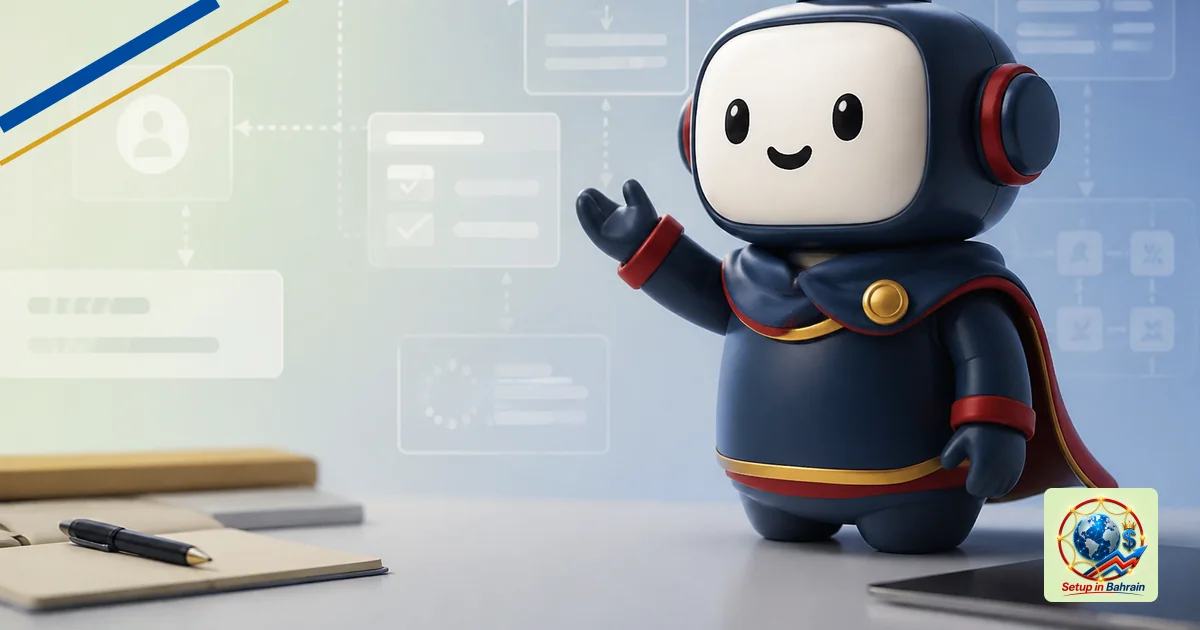
Tech companies increasingly pair software and AI with friendly characters or mascots to make tools feel approachable. A recent example is Meta’s Muse AI assistant, which uses a cute character named Jolly as its default avatar and includes a handheld device concept called Muse Charm. This explainer unpacks what happened, who is affected, and what users can do next, with plain language and direct source links.
Why mascots are used with AI products
Tech firms use cute characters to humanize software and lower hesitation about adopting new tools. The idea is that a friendly face may make users more willing to try AI features, especially as software becomes more integrated into daily tasks. In Meta’s case, the Jolly avatar accompanies Muse, an AI assistant, and there is a related hands‑on device concept called Muse Charm to use the assistant on the go. This strategy mirrors a broader trend where brands pair products with approachable visuals to ease user onboarding, gather engagement, and reduce perceived complexity.
What exactly is happening
The article discusses the use of a mascot named Jolly as the default avatar for Meta’s Muse AI assistant and the introduction of a Tamagotchi‑like handheld device, Muse Charm, intended for mobile interaction with the assistant. This illustrates how companies are blending character design with AI products to create a more familiar user experience.
Who might be impacted
Potential users of Muse AI and similar products may encounter a more approachable interface due to the mascot. The shift could influence how people perceive and adopt AI assistants in daily life—especially for those who are new to AI tools. It also highlights designers’ focus on user experience and emotional cues in software development.
What users can do next
Consider the following when engaging with mascot‑driven AI tools: (1) Test whether the mascot makes the AI easier to understand and use. (2) Check privacy and data‑handling policies, since onboarding often involves more interaction with the assistant. (3) Explore any accompanying devices (like Muse Charm) to assess how mobile access changes your workflow. (4) Compare with other AI products that use neutral interfaces to see what best fits your needs. If you’re unsure, start with noncritical tasks to gauge how the assistant handles prompts and responses.
Which sources did Setup in Bahrain review?
Setup in Bahrain reviewed the following source material before preparing this explanatory article.
The links remain visible so readers can inspect the evidence, compare dates and context, and confirm current requirements with the relevant authority.
- mashable.com — evidence source reviewed for this article.
Information and responsibility notice: This article is general information based on the cited material available when published. It is not legal, tax, immigration, medical, financial, banking, or investment advice; it does not create a professional-client relationship; and it is not a guarantee of outcome, availability, accuracy, or eligibility. Rules, schedules, prices, and third-party information can change. Confirm material decisions with the relevant authority and an appropriately qualified adviser before acting.