
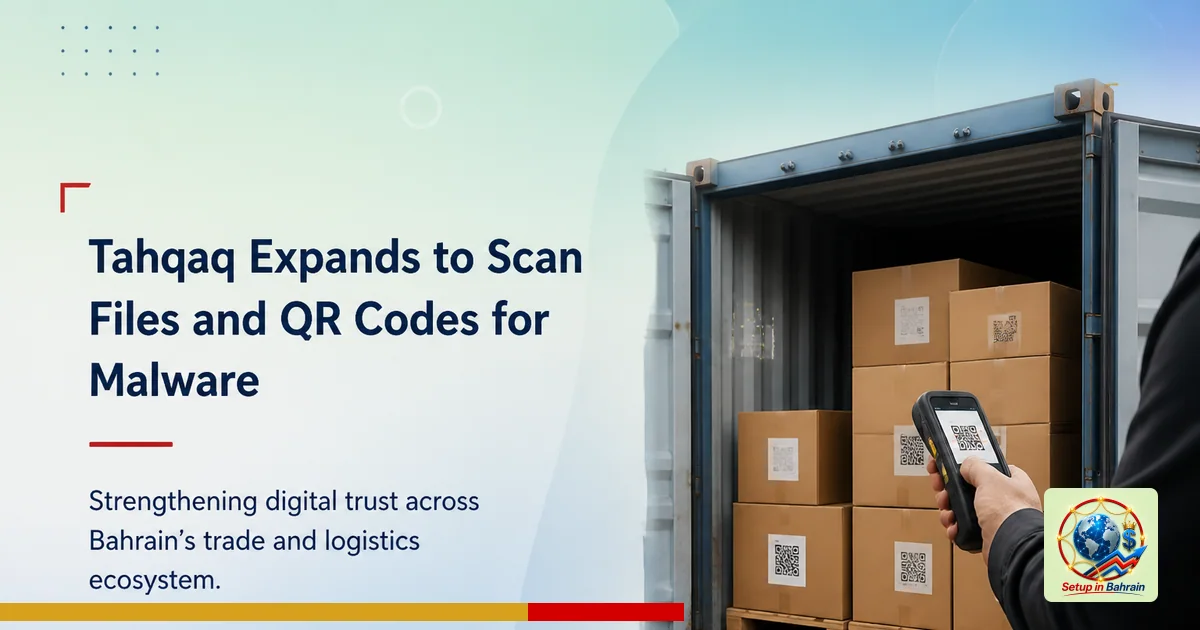
Tahqaq expands to scan files and QR codes for malware
The Tahqaq service has added new tools to inspect uploaded files and QR codes for suspicious content, aiming to help people spot malware before they interact with data or links. This explainer breaks down what happened, who is affected, and practical next steps, with definitions of technical terms in plain language.
What changed
The Tahqaq service, which previously checked links, now also analyzes uploaded files and QR codes. The goal is to detect malicious content that might be hidden in files or barcodes. This update was announced around Global Cybersecurity Awareness Month, a period focused on teaching people how to spot online threats. The system is designed to examine items before users open them, helping prevent infections or unauthorized access.
Key facts you should know
- Tahqaq is expanding from link checking to include files and QR codes.
- The tools are intended to help users identify suspicious content before they interact with it.
- The aim is to reduce data breaches and unauthorized access to personal devices and networks.
- Users submit items for evaluation through two main channels, though the specific channels are not fully detailed in the source.
Who is affected
Any individual who uses Tahqaq to verify content could be affected, including people who encounter malicious files or deceptive QR codes in everyday communications. Businesses and personal devices may be among the targets of such attacks, so expanded verification tools can help reduce risk for both kinds of users.
Practical next steps
- If you use Tahqaq, try submitting both files and QR codes for verification before opening or interacting with them.
- For QR codes, scan with the Tahqaq tool where available rather than directly opening the linked content.
- Remain cautious with unfamiliar sources; even with verification tools, avoid sharing sensitive information through scanned content from unknown senders.
- Keep your devices updated and enable basic security practices (automatic security updates, trusted app sources).
Limits and questions
The source provides limited detail on how the verification tools work internally, including exact channels for submitting items and how results are presented. Users should consult official Tahqaq guidance or support if they need specifics on data privacy, how long results are stored, or how to interpret a verification result.
Which sources did Setup in Bahrain review?
Setup in Bahrain reviewed the following source material before preparing this explanatory article.
The links remain visible so readers can inspect the evidence, compare dates and context, and confirm current requirements with the relevant authority.
- saudishopper.com.sa — evidence source reviewed for this article.
Information and responsibility notice: This article is general information based on the cited material available when published. It is not legal, tax, immigration, medical, financial, banking, or investment advice; it does not create a professional-client relationship; and it is not a guarantee of outcome, availability, accuracy, or eligibility. Rules, schedules, prices, and third-party information can change. Confirm material decisions with the relevant authority and an appropriately qualified adviser before acting.